Your Radio
Redefined
A realistic radio that sits on your screen, so you never leave the action.
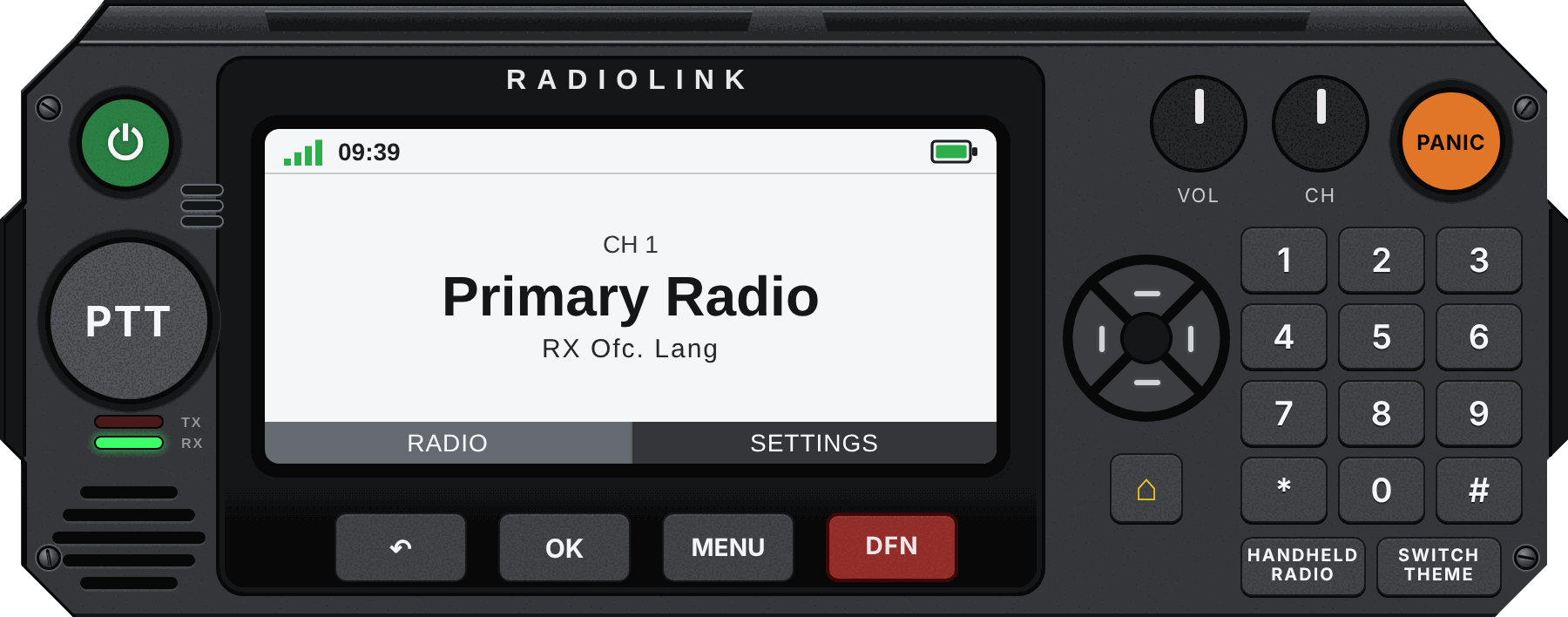
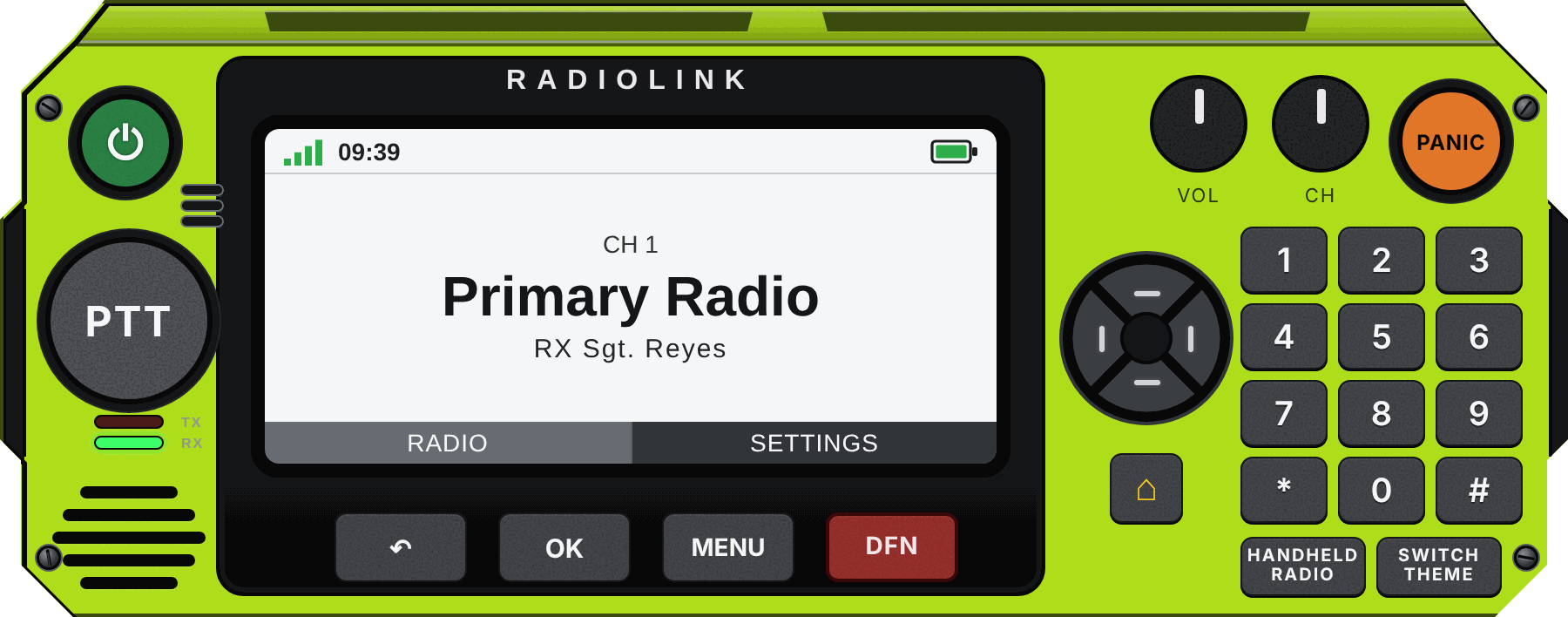
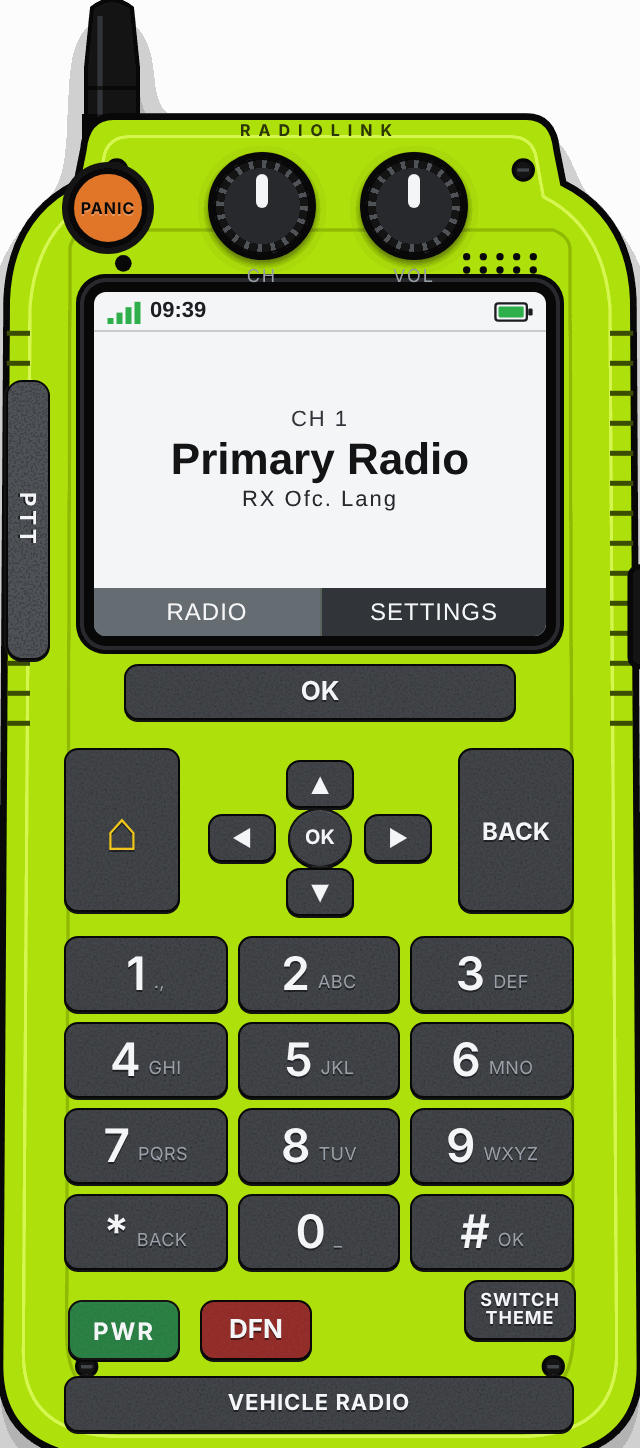
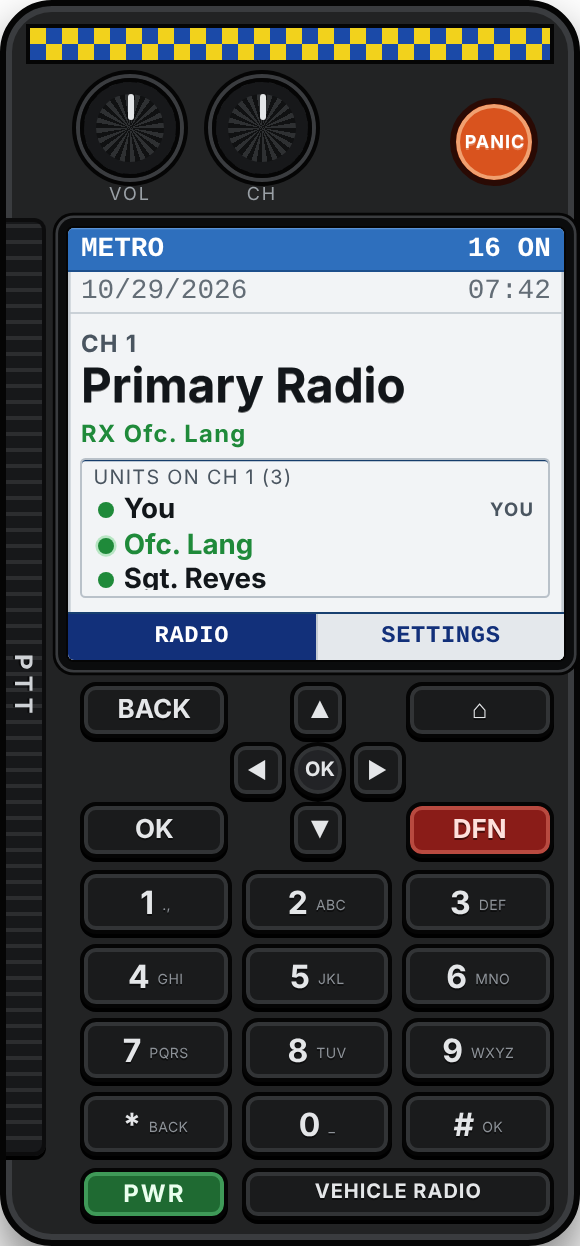
Vehicle Radio – a full dash console with a big screen and keypad.
Try it
Try the radio.
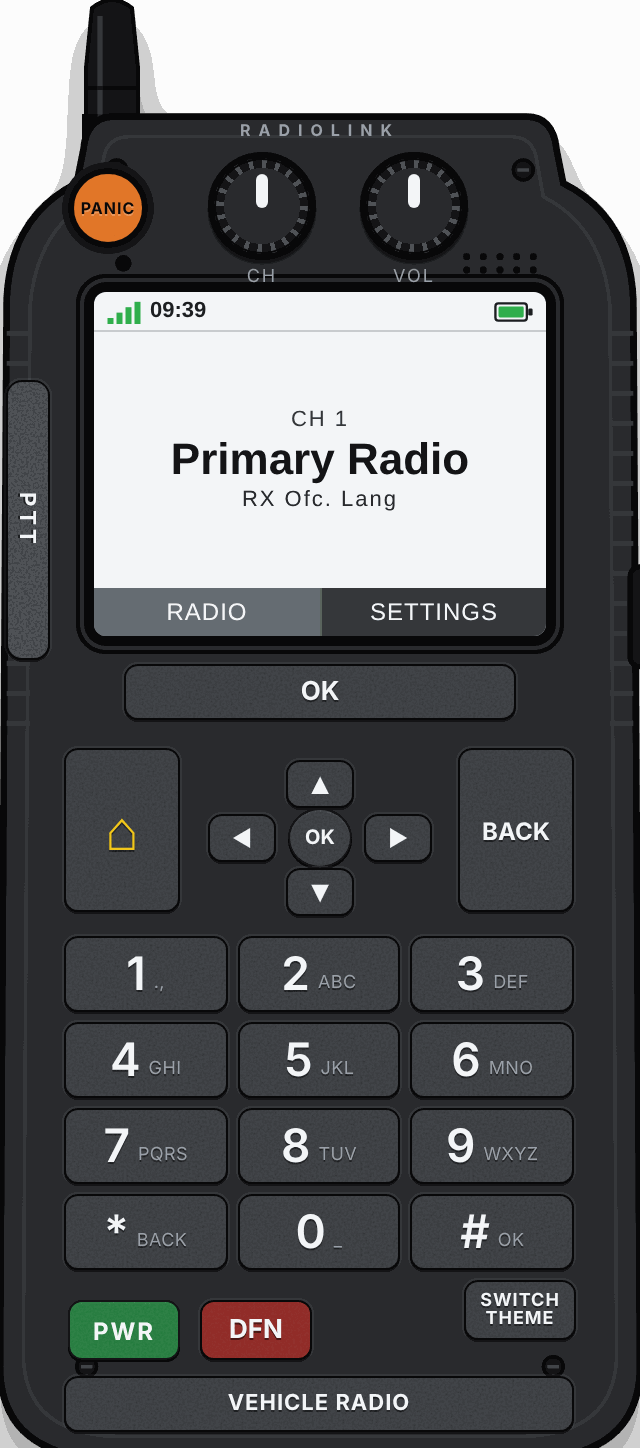
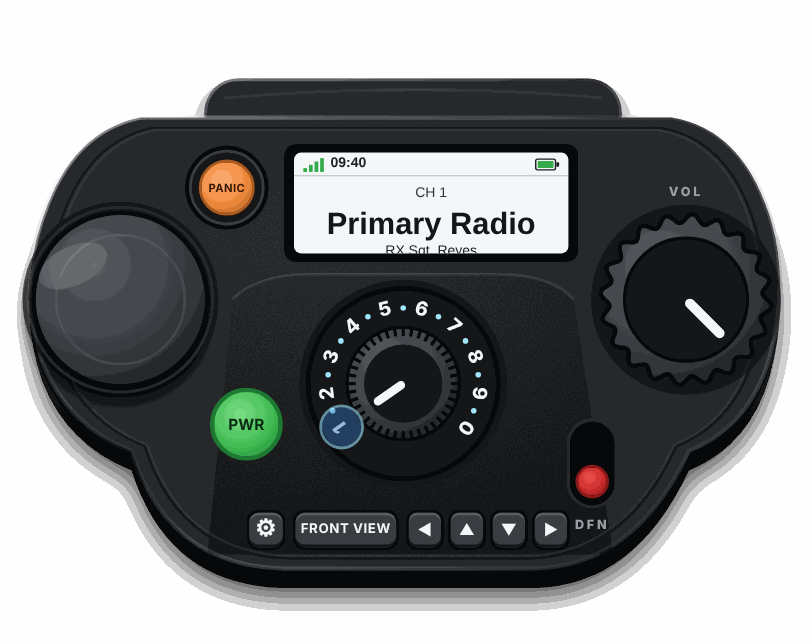
These are the real radios (vehicle, top view and handheld), running here with pretend units. Press the keypad to pick a channel, hold PTT (or the space bar) to talk, turn the knobs with your mouse wheel, open Settings, and hit PANIC.
Pretend units and pretend traffic. Settings that need your account are switched off in the demo. The real radio shows the people in your own network.
Live Radio.Built for realism.
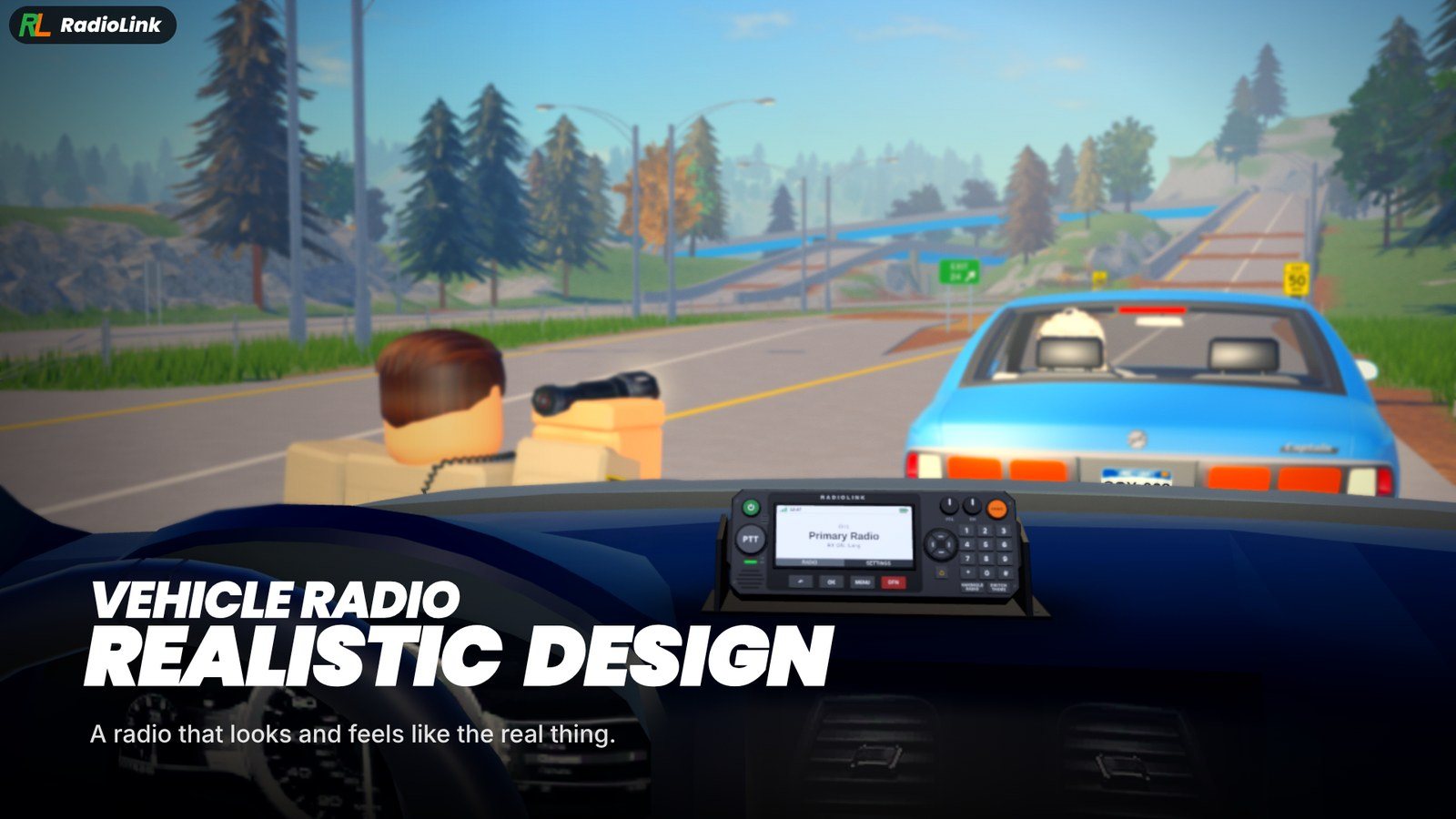
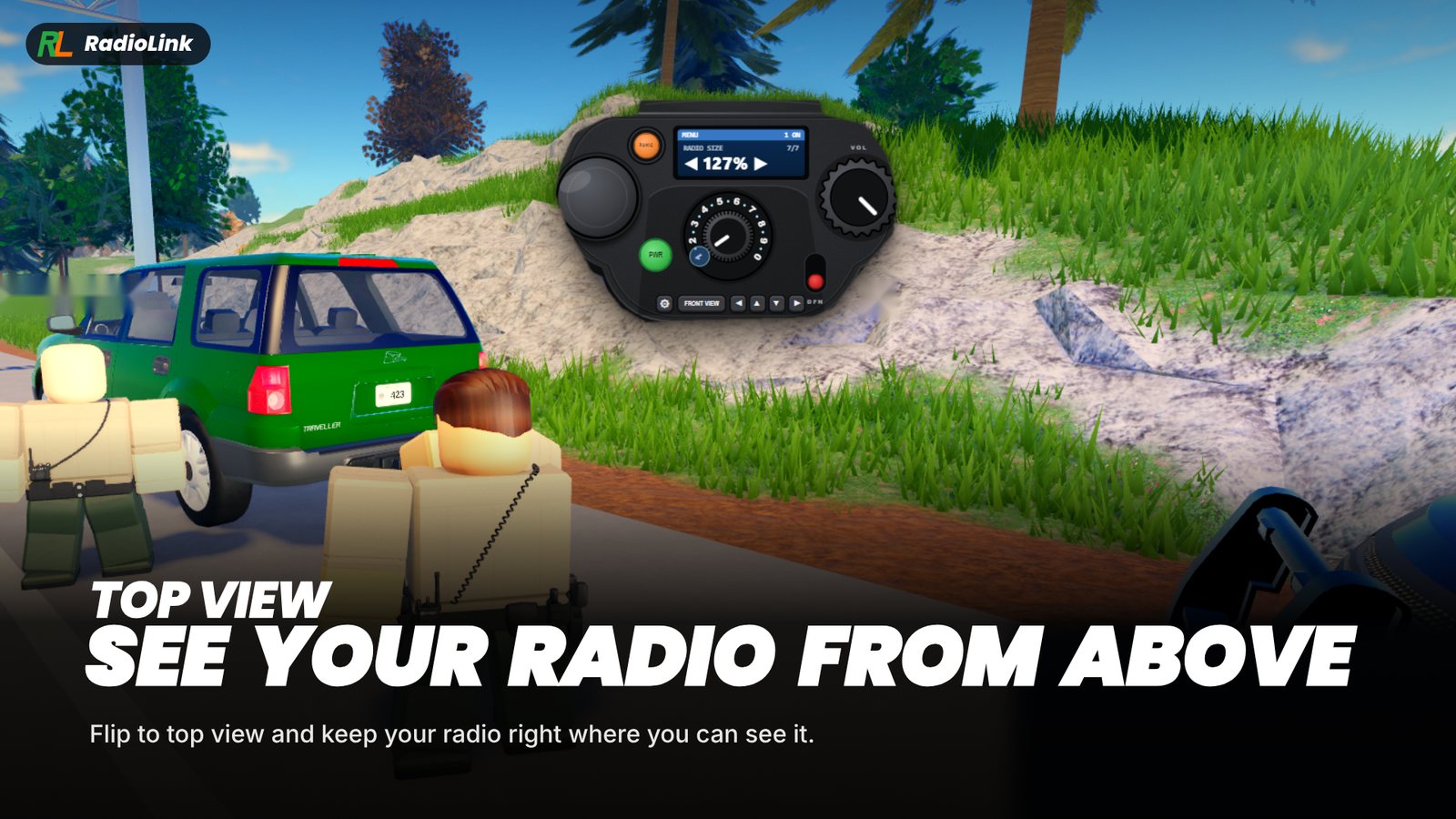
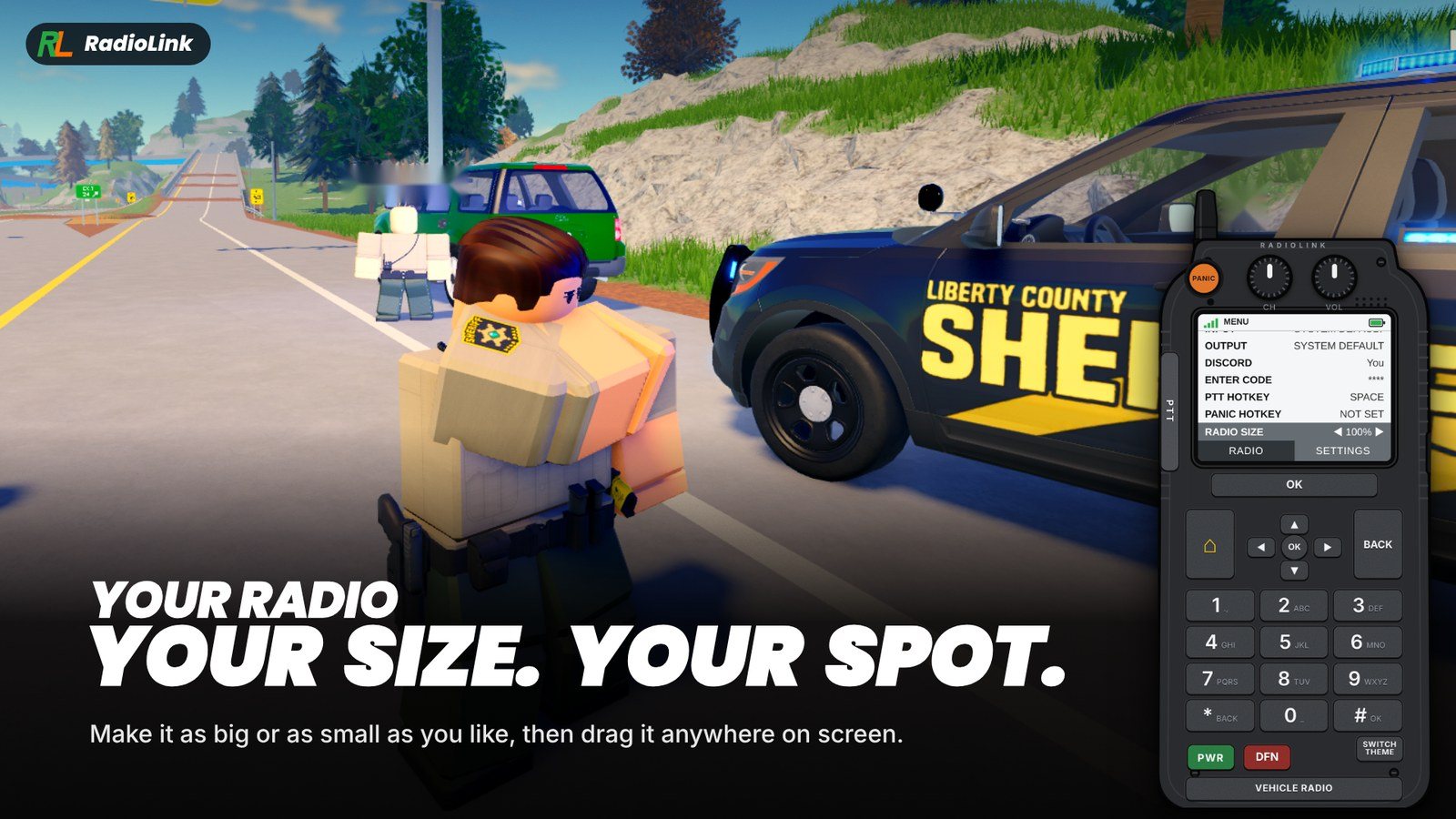
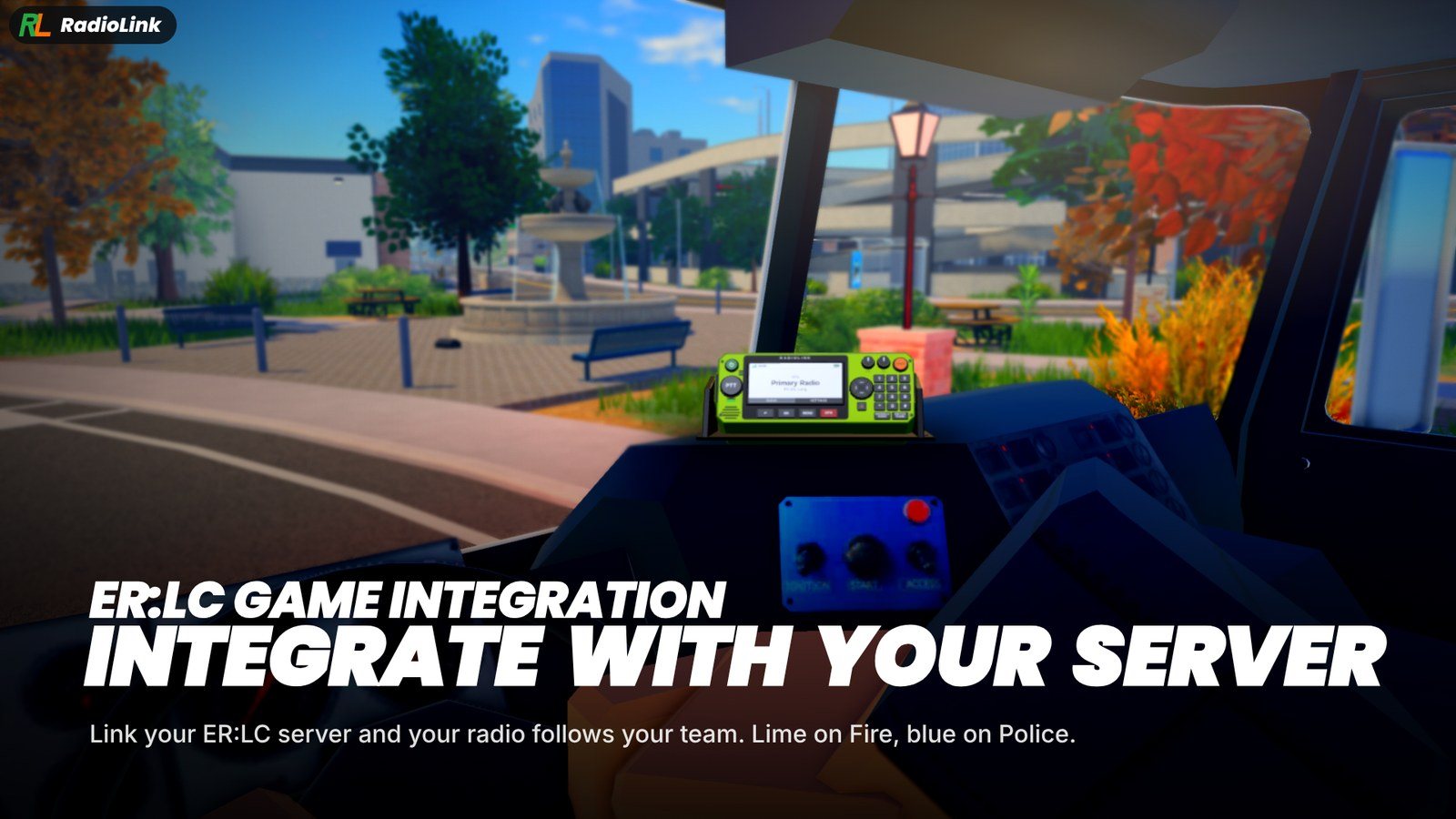
Vehicle Radio
A radio that looks and feels like the real thing: raised keys, a clear screen and every control where you expect it.
What's inside
A radio for every team.
Everything a roleplay server needs to sound like a real dispatch, without paying for anything.
Ten channels
Every network gets ten channels, one for each number key. Name them whatever your community uses.
Push to talk
Hold your key to transmit using your normal microphone. It does not use Roblox voice chat.
Always on top
The radio stays above your game, even when you click elsewhere. Drag it anywhere and pick a size.
Invite codes
Share one code and people join your network. Make a new code any time and the old one stops working.
Admins you choose
Add helpers who can rename channels and remove members, while you keep control of the code and the network.
No install needed
On a Mac or a phone, or just don't want to install? The web radio does the same job in your browser.
How it works
Ready in three steps.
The person running the community sets it up once. Everyone else just types a code.
Make your network
Sign in with Discord on the dashboard, name your network and name your ten channels.
Share the code
Copy your invite code and post it in your community. Make a fresh one whenever you need to.
Everyone joins
Players open the radio, enter the code in Settings, pick a channel and start talking.
Get on the air.
It costs nothing to set up your own network.